table of content
Let’s start with a strange question
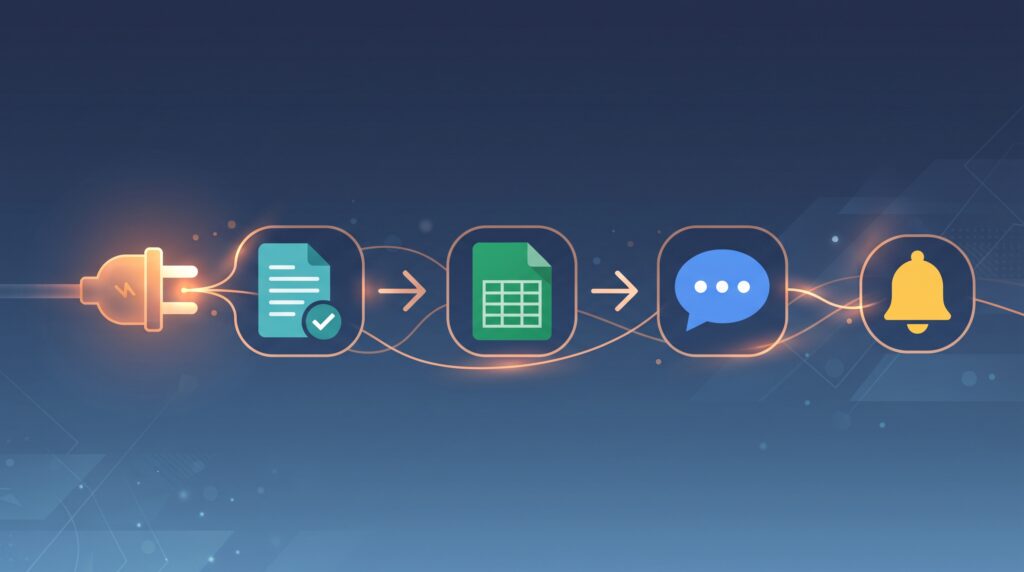
Imagine that you have a small, tireless employee whose only job is to sit between your different applications all day, transferring information from one to another as soon as something happens. New customer filling out a form? This employee immediately adds it to a spreadsheet, sends it a welcome email, and then notifies your team on Slack. All without even touching it with your hand.
This is exactly what Zapier promises. The question worth honestly asking in 2026 isn’t “Does this tool work?” — It does — But “Is it worth what you pay for it, or will you discover a month later that the bill is much higher than you expected?”
This is exactly what we’re going to try to answer here, apart from the glossy marketing page.
What exactly is Zapier?
Zapier is an automation platform that connects over six thousand different applications, allowing you to build automated chains called “Zaps” — each chain starting with a specific event (Trigger) and ending with one or more actions. You don’t need any programming knowledge; all you do is drag and drop through a simple visual interface.
The basic idea behind it is simple: most repetitive tasks in any business — transferring data, sending notifications, updating schedules — you don’t need a human to do them manually every time. You just need a clear rule that is implemented automatically.

The part that will hurt you: pricing
This is where the part that deserves your full attention begins, because Zapier’s pricing system in 2026 is not as simple as it seems on the pricing page.
| Plan | Price | Monthly Task Limit | Key Features |
|---|---|---|---|
| Free | $0 | 100 tasks/month | 2-step Zaps only, 15-min trigger polling |
| Professional | $19.99/mo (annual) – $73.50/mo (monthly) | 750 up to 2,000,000 tasks | Multi-step Zaps, Webhooks, premium apps |
| Team | $69/mo (annual) – $103.50/mo (monthly) | 2,000 tasks, up to 25 users | Shared workspaces, SAML SSO |
| Enterprise | Custom | Unlimited | Advanced governance, dedicated support |
What’s worth stopping at here is the concept of a “task” (Task) itself: every action step that is successfully executed counts as a single task, meaning that a single five-step chain consumes five tasks every time it runs.
The trap that no one mentions
Here’s an example that should completely change your understanding of this pricing: a single, five-step automation chain that runs only 150 times a month — less than five times a day — consumes 750 tasks. This is the entire minimum of a Professional plan, completely exhausted from one active series.
In other words: If you create a second automation chain, you’re already in the surcharge zone, which counts at 1.25 times the base price, up to a maximum of three times your plan’s share.
That’s the key difference between trying Zapier in the first month, when prices seem perfectly reasonable, and trying it six months later, when you discover that it’s your normal daily work —not overuse— that’s quietly pushing you outside the boundaries of your plan. This particular detail is what explains many of the recurring complaints about Zapier billing, and it’s often not clearly stated on the marketing page itself.
The voice that speaks in my mind while using it
To be completely honest on this point: Zapier is a really powerful tool, and I don’t deny that. The problem is not the performance, but the way you think about it. Most people who try Zapier think of it as a tool, while it is more correct to think of it as an electricity bill — the more you use it, the higher the cost, without you feeling it at the same moment.
Practical advice I came up with after experimenting: Don’t build automation chains just because you can. Ask yourself first: Is this task repetitive enough to be worth consuming a monthly quota of tasks? Many users fall into the trap of automating everything possible, without stopping at the cumulative cost of each additional step.
New AI features —such as Zapier Agents and Chatbots — were also added in June 2026 as paid add-ons separate from the basic plans at a price of approximately $3 per month each, a detail worth knowing before you assume that these features are included in your current subscription.
| Tool | Entry Price | Strength | Weakness |
|---|---|---|---|
| Zapier | $19.99/mo | Largest app integration library (6,000+) | Complex task-based pricing |
| Make (Integromat) | Generally cheaper | More transparent operation-based pricing | Steeper learning curve |
| n8n | Free (self-hosted) | Full control, no task limits | Requires technical knowledge |
| Activepieces | Removes task limits | More predictable cost | Fewer integrations than Zapier |
The obvious bottom line here: If broad integrations and absolute ease are your priority, Zapier remains the most powerful option despite its cost. However, if budget and cost control are the most important, other alternatives deserve serious comparison before commitment.
Who is this tool suitable for?
Zapier fits who:
- A small business owner who needs to connect a few basic applications with relatively simple automation
- A team that needs integrations with rare applications that cheaper alternatives may not support
- Someone who would rather have absolute ease than save money
It is better to stay away from the tool: those who plan to build dozens of active chains at once, as the cumulative cost may quickly exceed the budget of any small or medium-sized business.
FAQ
Is Zapier worth its price in 2026?
Yes, provided you understand the task counting system well before signing up; Users who build multi-step chains are often surprised at how quickly their monthly quota is exhausted.
How much does a free Zapier plan cost?
The free plan only offers 100 tasks per month, with a maximum of two-step sequences, which is enough to try out the tool but impractical for actual use in real work.
What’s the difference between a “Zap” and a “task” in Zapier?
A Zap is the full automated workflow, while a task is each successfully executed action step within it — a single 5-step Zap running 150 times a month consumes 750 tasks.
What happens when I exceed my monthly task limit?
Overage tasks are billed at 1.25x your base rate, up to a hard cap of 3x your plan’s included task allocation.
Are there cheaper alternatives to Zapier with similar capability?
Yes — tools like Make, Activepieces, and n8n offer more transparent pricing or greater cost control, though they’re often less comprehensive in terms of supported integrations.
Are Zapier’s AI features included in the base subscription?
No — as of June 2026, features like Zapier Agents and Chatbots became separate paid add-ons, not included in the core plans.
Final Verdict
Zapier is an efficient and reliable tool, and there is no doubt about its ability to save long hours of repetitive manual labor. But the real question in 2026 isn’t “Does it work?” Rather, “Do you understand how your bill is calculated before it starts?” Anyone who enters this tool with a good understanding of the task system and builds carefully thought-out automation chains will find it truly worth the price. As for those who build everything without an account, they will discover the real bill too late.
sources
- Zapier, official pricing page: https://zapier.com/pricing
- Vendr, “Zapier Software Pricing & Plans 2026”: https://www.vendr.com/marketplace/zapier
- Lindy, “Zapier Pricing: Plans, Alternatives & When It’s Worth It in 2026”: https://www.lindy.ai/blog/zapier-pricing
- No Code MBA, “Zapier Pricing 2026: Every Plan, Task Cost, and Hidden Fee Explained”: https://www.nocode.mba/articles/zapier-pricing-2026
- Activepieces, “Zapier Pricing Breakdown: Is It Still Worth It In 2026?”: https://www.activepieces.com/blog/zapier-pricing
- CheckThat.ai, “Zapier Pricing 2026: Plans, Costs & Task Limits”: https://checkthat.ai/brands/zapier/pricing