Table of Contents
Let’s Start With Your Actual Bill
I’m going to ask you to do me a favor: Open your bank account and add up all your SaaS fees from last month—Slack, Notion, Zapier. Maybe an analytics tool, a CRM, a scheduling app. Now look at the total.
If you’re in the knowledge industry or even a small startup, that total is likely to be between $400 and $800 a month. It’s not because you’re reckless—it’s just… …the cost of running a modern business, isn’t it? Everyone pays—that’s the price of entry.
But that’s not actually the case. And the fact that almost no one questions this assumption is exactly why this post exists.
The Question Nobody Asks: Why Do These Tools Cost So Much?
Here’s something worth stopping at: The Slack Business+ plan now costs about $15 per user per month, after Salesforce integrated AI features into it and eliminated the previous standalone add-on. For a team of 30 people, this means $5,400 per year — just for messaging. No project management, no CRM, no anything else. Just communicate with each other.
Meanwhile, the free version of Slack still limits message history to just 90 days, a limit that was mildly annoying in 2015, but has become virtually harmful in 2026 for any team that needs to revert to a customer agreement or product decision made four months ago.
So the honest question isn’t “Is Slack a good tool?” — It clearly is. The question is: What do you actually pay for, and is there a free tool that does the same job without pricing the acquisition phase added on top of it? For most of the tools in your collection, the answer is yes, and almost no one checks it.
A Quick Personal Note
We run this entire site — content planning, customer tracking, automation, analytics — with a mix of paid and free tools, and over the past year we’ve actually replaced several expensive tools once we sat down and actually checked if the free alternatives cover our real daily use. Some of the switches below were made by us ourselves; others are documented patterns reported by small teams and other individual founders. Either way, this isn’t a theoretical list— but rather based on tools that people actually use rather than the expensive default option.
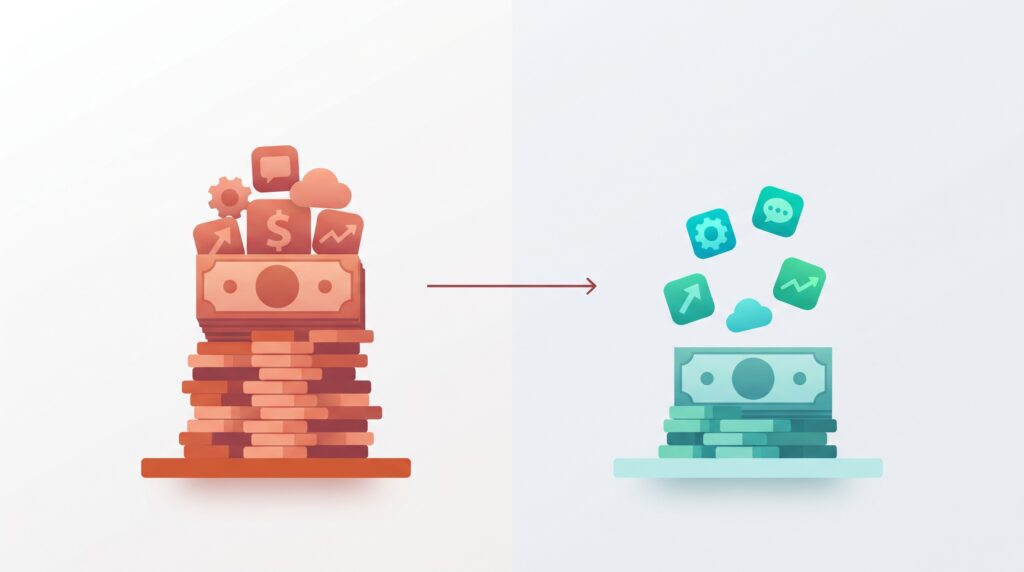
Ten free alternatives that actually work
Slack → Discord or Pumble
A free alternative to Slack is Discord, which offers a virtually unlimited message log for free and isn’t originally designed around a per-seat billing model, making it a really solid choice for small teams comfortable with a slightly less “formal professional” interface. Pumble goes further in the opposite direction — built specifically as an equivalent alternative to Slack for commercial use, its biggest selling feature is its unlimited free message history, which directly resolves Slack’s most criticized free plan limitation
2. Notion → Obsidian or AppFlowy
A free alternative to Notion is Obsidian or AppFlowy. Notion costs between $16 and $20 per user per month depending on the plan. Obsidian, for personal knowledge management, is free, stores your notes as regular Markdown files on your own device, works offline first, and never sends your notes to a third-party server — an important difference if data ownership matters to you. For team collaboration specifically, AppFlowy offers a free, self-hosted Notion-style workspace.
3. Zapier → n8n or Activepieces
A free alternative to Zapier is n8n or Activepieces. Zapier’s task-based billing (as we discussed earlier) can quickly escalate to an active workflow. N8n, when self-hosted, costs about 20 euros per month as a server cost, with the same ability to connect to applications, without a billing ceiling based on the number of tasks. Activepieces goes further— they are completely free and open source, with no worry about the number of tasks at all.
4. Google Analytics / Mixpanel / Amplitude → Plausible or Umami
The cost of analytics tools increases as your site traffic increases, which penalizes you exactly the moment your site is successful. Plausible and Umami are free to self-host, virtually cookie-free, and GDPR-compatible by design — a real advantage over track-based analytics tools that increasingly attract regulatory and user scrutiny.
5. Airtable → NocoDB
A free alternative to Airtable is NocoDB. Airtable prices doubled in 2026, and NocoDB is a fully open-source alternative that connects to your existing databases and duplicates most of the hybrid table-database workflow that Airtable is known for, without any subscription at all.
6. Calendly → Cal.com
A free alternative to Calendly is Cal.com is open source and self-hosted, and covers the basic scheduling workflows — booking links, availability windows, calendar sync — that most freelancers use Calendly for every day
7. 1Password → Vaultwarden
A free alternative to 1Password is Vaultwarden, a free, Bitwarden-compatible self-hosted password manager, meaning your entire team’s credentials live on an infrastructure controlled by you, rather than a third-party vault that you rent access to monthly.
8. Salesforce → HubSpot Free CRM
A free alternative to Salesforce is HubSpot. Enterprise CRM systems often require only dedicated administrators to keep them running. HubSpot’s free plan offers virtually all useful core functionality —contacts, deals, sales funnel tracking — via a streamlined interface that doesn’t require technical expertise to run, making it a realistic entry point before an enterprise CRM conversation becomes even necessary.
9. Webflow / Squarespace → Framer Free Tier or Typedream
A free alternative to Webflow / Squarespace is Framer or Typedream. For a simple business website or landing page, Framer and Typedream’s free plan covers the basic needs of building a website without the recurring cost of a full Webflow or Squarespace plan, especially for early-stage businesses that don’t yet need advanced content management features.
10. Slack (Enterprise-Grade) → Mattermost
A free alternative to Slack is Mattermost. For security-conscious teams specifically, Mattermost offers a free enterprise-level self-hosting alternative to Slack, keeping your entire team’s communication history on infrastructure controlled by you rather than third-party servers.
Comparison Table
| Expensive Tool | Typical Cost | Free Alternative | What You Give Up |
|---|---|---|---|
| Slack | $7.25-15/user/mo | Discord, Pumble, or Mattermost | Smaller app integration marketplace |
| Notion | $16-20/user/mo | Obsidian (solo) or AppFlowy (team) | Less polished mobile collaboration |
| Zapier | $19.99+/mo (task-based) | n8n or Activepieces | Requires basic self-hosting setup |
| Google Analytics/Mixpanel | Scales with traffic | Plausible or Umami | Fewer advanced segmentation features |
| Airtable | Doubled in 2026 | NocoDB | Smaller template/community ecosystem |
| Calendly | $10+/mo | Cal.com | Fewer native premium integrations |
| 1Password | Per-user subscription | Vaultwarden (self-hosted) | You manage your own server/updates |
| Salesforce | Enterprise pricing | HubSpot Free CRM | Fewer advanced automation features |
| Webflow/Squarespace | $20-40+/mo | Framer free tier or Typedream | Fewer advanced CMS capabilities |
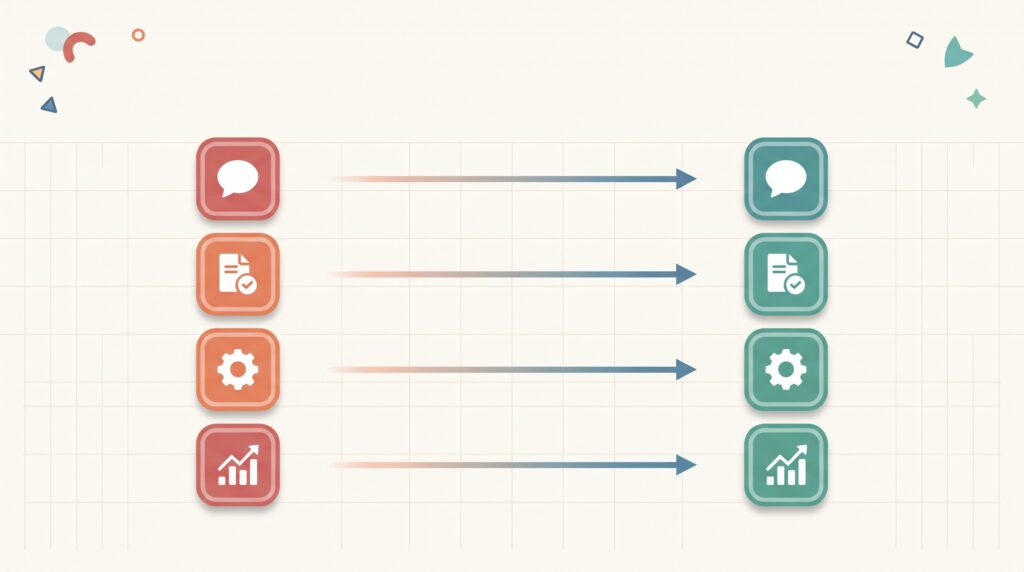
The Catch Nobody Mentions
In all transparency here: “Free” is not synonymous with “effortless”. Several alternatives from this list — n8n, NocoDB, Vaultwarden, and Mattermost— require self-hosting, meaning you (or a member of your team) sets them up on a small server, typically costing between $20 and $50 per month in total across your entire self-hosted group, rather than a separate cost per tool. This is a real trade-off: you save a significant amount of money, but you take responsibility for updates, backups, and uptime that a paid SaaS provider would otherwise take care of for you.
An honest account is not “Free is always better” — but “Does the saved money justify the ongoing setup and maintenance time for your specific situation”. For an individual freelancer without a technical background, some of these substitutions can cost more frustration than they save in dollars. For a small team with even one person comfortable managing the core servers, the calculations usually favor making the switch.
The Voice in My Head Weighing These Trade-offs
Here’s my honest take on several of these switches myself: The easiest and least risky gains on this list are those that don’t require any self-hosting — moving from Slack to Pumble, or from Salesforce to a free HubSpot CRM plan, is a same-day decision without any maintenance-intensive infrastructure. Self-hosted switches (n8n, NocoDB, Vaultwarden) are totally worth it if you’re already comfortable using a virtual private server (VPS), but they’re not a good starting point if server management is unfamiliar territory for you. —Start with setupless switches first, and only move on to self-hosted tools after you have a specific recurring cost that justifies the learning curve.

FAQ
Are free alternatives to SaaS tools actually reliable for business use?
Yes, for most basic use cases — tools like HubSpot’s free CRM plan, Discord, and Cal.com are stable, widely used platforms, not pilot projects, although enterprise-level support and advanced features typically still require a paid plan at the end.
What’s the average SaaS stack cost for a small business in 2026?
The average knowledge worker toolkit costs between $400 and $800 per month across productivity, communication, analytics, and development tools, according to recent industry analytics — a range that open source alternatives can often reduce to $20-50 per month as a server cost.
Do self-hosted tools require technical skills to set up?
Basic self-hosting (for tools like n8n or Vaultwarden) typically requires the convenience of using a virtual private server and basic command-line setup — not advanced developer skills, but more of a technical intervention than just clicking “register” on a SaaS platform.
Is it worth switching from Slack to a free alternative?
It depends on the size of your team and its needs — Pumble or Discord actually replaces Slack’s core messaging functionality for free with unlimited history, although the larger Slack integration market (over 2,600 apps) may interest you if your workflow relies on specific, rare integrations.
Can a free CRM like HubSpot really replace Salesforce?
Often yes for small and medium teams — HubSpot’s free plan covers managing essential contacts and deals without the need for a dedicated administrator, although large organizations with complex custom workflows may still need deeper Salesforce customization.
The Actual Verdict
The $400-800 monthly SaaS bill that most small teams accept as normal isn’t actually fixed — it’s the result of no one stopping to check if a truly capable free alternative already exists for every tool in the suite. Some of the permutations here cost you nothing more than five minutes of setup; others require some technical relief in exchange for real savings and full data ownership. In all cases, the goal isn’t to blindly abandon every paid tool— but to stop paying acquisition-stage pricing for problems that a free tool solves just as efficiently for your actual use.
Sources
Vucense, “Best Open Source Alternatives to Expensive SaaS Tools 2026: Save $500+/Month”: https://vucense.com/tech-comparisons/comparisons-alternatives/open-source-alternatives-expensive-saas-tools-2026/
Marketing Case Study, “15 Best Slack Alternatives in 2026 (Tested and Ranked)”: https://marketingcasestudy.io/alternatives/slack/
SmashingApps, “Best Slack Alternatives in 2026 – Free and Paid Team Chat Tools Compared”: https://www.smashingapps.com/best-slack-alternatives-in-2026/
SaaS Reviewer, “5 Best Free SaaS Alternatives That Will Save Your Business Thousands in 2026”: https://saasreviewer.io/5-best-free-saas-alternatives-that-will-save-your-business-thousands-in-2026/
Rework Resources, “12 Best Slack Alternatives in 2026 (Free & Paid, Compared)”: https://resources.rework.com/tools/productivity/best-slack-alternatives
also read: https://bestimoz.com/best-free-ai-tools-for-freelancers-in-2026/